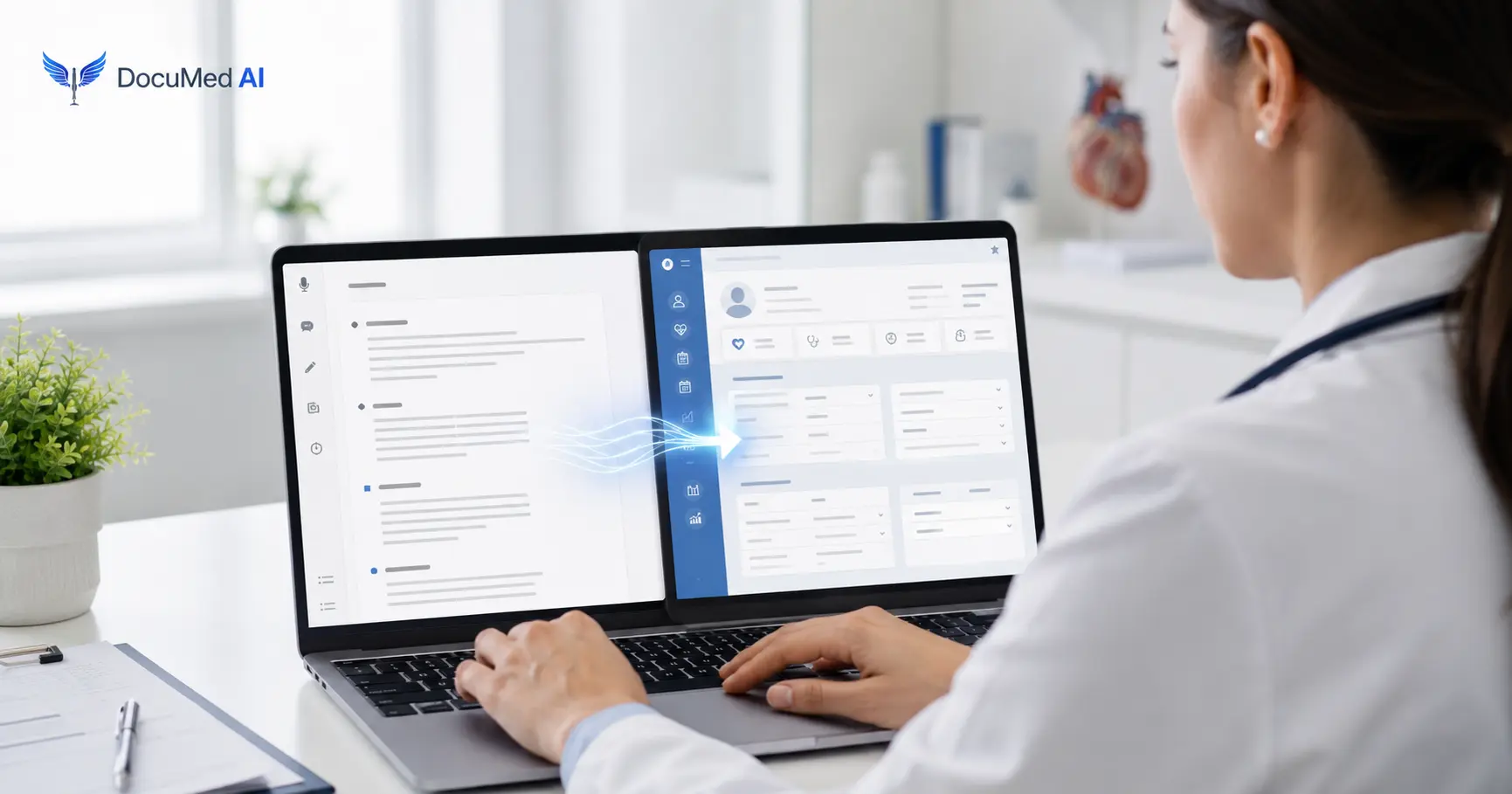
Yes, but the phrase "work with your EHR" means different things depending on which AI scribe you choose. Clinicians researching ai scribe ehr integration often assume there is only one model: a live technical connection between the scribe and the chart. That is not the only option, and it is not how DocuMed AI operates. DocuMed AI does not write notes directly into any electronic health record. Instead, the clinician reviews the finished note and pastes it into the EHR with one click, in full or by section. This article explains both models honestly so you can decide what actually fits your practice.
When someone asks does an ai scribe work with my ehr, they are usually really asking one of two different questions. The answer depends on which of two integration models the vendor uses.
A direct integration connects the AI scribe to the EHR through a technical interface, such as an API or an embedded module, and writes draft text straight into the patient's chart. This can reduce clicks per note, but it introduces real dependencies. The scribe vendor and the EHR vendor must build and maintain a supported connection, an organization's IT and compliance teams typically need to approve the integration, and the setup is often specific to one EHR, sometimes to one version of that EHR. If an organization changes EHR platforms, or a clinician works across multiple systems, an integration built for one platform does not travel with them.
The second model treats the AI scribe as a documentation tool that produces a finished note and leaves placing that note into the chart with the clinician. The scribe never writes to the EHR itself. The clinician copies the note, in full or by section, and pastes it into whatever EHR is open: Epic, Oracle Health (Cerner), athenahealth, eClinicalWorks, MEDITECH, or any other system. This is the model DocuMed AI uses, and it is a deliberate design choice rather than a missing feature.
Vendor marketing does not always match the underlying architecture, which is part of why this question comes up so often. Some vendors describe a browser extension, a side-by-side viewer, or even a plain copy-paste helper as "EHR integration," even though no data moves automatically between the scribe and the chart. Other vendors reserve that term specifically for a certified or contracted connection that writes into the record without clinician action. When comparing any AI scribe on this basis, including DocuMed AI, ask the vendor directly whether the tool writes into the EHR automatically or whether the clinician moves the note manually. The answer changes what IT review, security assessment, and rollout timeline to expect, and it is a more useful question than simply "does it integrate," since that phrase alone does not tell you which model you are getting.
DocuMed AI's workflow is built around the copy-paste model from end to end.
At no point does DocuMed AI connect to an EHR, read from it, or write to it. The clinician decides what is copied and where it lands. For a closer look at how the recording itself works, see how ambient clinical documentation captures the visit conversation without interrupting it.
Vendors that lack a direct integration often frame copy-paste as a stopgap. Treated instead as a deliberate design decision, it produces several concrete benefits for clinicians and practices.
For a broader look at how AI fits into EHR documentation without a live connection, see AI for EHR documentation. If you are specifically weighing an Epic-connected scribe against a copy-paste model, the comparison in AI scribes and Epic covers that decision in more detail.
Copy-paste has one honest limitation: it adds a manual step. The clinician has to copy the note and paste it into the EHR, rather than having it appear in the chart automatically. For most clinicians this is a few seconds per note rather than a workflow overhaul, and DocuMed AI's copy-by-section option means only the relevant part of a note has to be placed into a specific field, instead of pasting an entire note into a single note field. It is still an extra action compared with a system that writes to the chart on its own, and it is worth naming plainly rather than glossing over. Practices that want to keep notes concise, rather than pasting in bulk, can also use section-by-section copying as a way to avoid contributing to note bloat, since only the content a clinician chooses ends up in the record. Weigh this trade-off against what a direct integration would cost in setup time, vendor dependency, and IT overhead before assuming automatic write-to-chart is worth the difference for your practice.
Because DocuMed AI never writes directly to an EHR, nothing enters a patient's chart without a clinician actively placing it there. Audio is encrypted immediately upon capture and processed on HIPAA-compliant servers, and every draft note passes through physician review before it is used for anything, including before it is copied anywhere. DocuMed AI is built as a HIPAA-compliant platform, and a Business Associate Agreement is available. For the specifics of data handling and safeguards, review the Business Associate Agreement and the Privacy Policy directly rather than relying on summaries. The absence of an automatic write-to-chart step is itself a security property: there is no integration surface between the scribe and the EHR for anything to pass through unreviewed, and no standing connection for a misconfiguration on either side to expose.
An ai scribe for any ehr approach tends to fit practices that value flexibility over a fully automated write-to-chart step: solo and group practices, multi-site organizations, practices mid-migration between EHRs, and any clinician who wants to start using an AI scribe without waiting on an IT project. If an organization has already committed to a specific EHR-connected scribe and values a single automated write step above all else, a direct integration model may be a better fit for that specific use case. For a step-by-step look at getting an AI scribe running in a practice, including how the copy-paste workflow fits into a rollout, see how to implement an AI medical scribe.
To see the full recording-to-chart workflow in action, visit How It Works, or request a demo to walk through copying a note into your own EHR.
No. DocuMed AI does not have a direct or API-based integration with Epic or any other EHR. Clinicians using Epic generate a note in DocuMed AI, review it, and paste it into Epic with one click, the same way they would paste it into any other EHR. See AI scribes and Epic for a closer look at this specific workflow.
No. Because DocuMed AI does not connect to an EHR's backend, there is no interface to build, approve, or maintain with an EHR vendor. A clinician can start recording visits and pasting notes without an IT project or a vendor-approval process, and without waiting on a security review of a new integration.
Yes. Since DocuMed AI produces a note that the clinician pastes in, rather than one written automatically into a specific system, the same account works the same way whether the destination is Epic, Oracle Health (Cerner), athenahealth, eClinicalWorks, MEDITECH, or any other EHR, including across multiple practice sites that run different systems.
Yes, when handled the way DocuMed AI is built to handle it. Audio is encrypted on capture, notes are generated on HIPAA-compliant servers, and a physician reviews each note before it is copied anywhere, so nothing reaches the chart without a clinician's active review and action. A Business Associate Agreement is available for organizations that need one; review the BAA for the specific terms rather than relying on a general summary.
Yes. DocuMed AI supports copying a note in full or by section, so a clinician can place the history into one field and the assessment and plan into another, or paste an entire note into a single note field, depending on how the EHR is structured and which fields the note needs to fill.
Enjoy clinical practice again without the administrative burden. Start your free trial of DocuMed AI today.
SIGN UP NOWSubscribe to Our Newsletter for the Latest in Healthcare Innovation
.png)
DocuMed AI leverages advanced AI Scribe GPT technology to convert ambient sounds and physician-patient conversations into professional medical notes, seamlessly formatted for electronic medical records (EMRs).


.png)

.png)
.png)