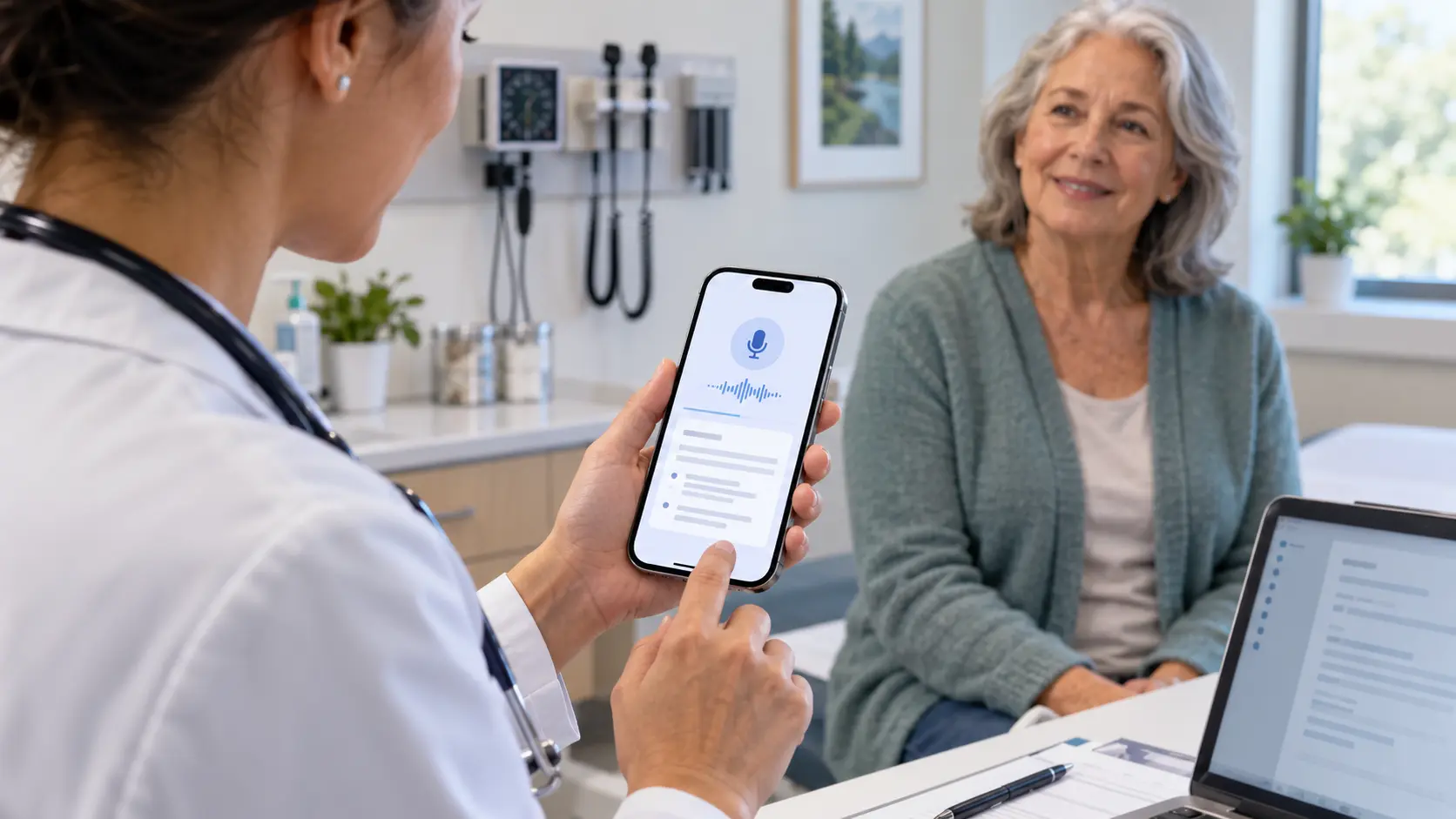
Yes, you can use an AI medical scribe on your phone. DocuMed AI runs on a mobile device, tablet, or web app, so a clinician can press Record on the phone already in their pocket, capture the visit, and review the drafted note on the same device or a computer later. Because the tool works by capturing audio and drafting a note, rather than plugging into a fixed workstation, the phone becomes a portable scribe that travels with the clinician between rooms, to the bedside, and into telehealth visits.
DocuMed AI is available as a mobile app and on tablet and web, which means the same account and workflow follow the clinician across devices. A physician can record a clinic visit on a phone, round with a tablet, and finish reviewing notes on a desktop, without changing tools. The only real requirement is a device with a microphone and an internet connection; there is no special hardware to buy.
Clinical work is mobile, and documentation that is chained to a workstation forces clinicians to reconstruct visits later from memory. A phone-based scribe removes that gap by capturing the encounter where it happens.
This mobility is a large part of why an AI scribe helps reduce documentation time; DocuMed AI reports reducing daily documentation time by about 50 percent, roughly one to two hours per day for many clinicians.
Because DocuMed AI does not integrate directly with any EHR, the mobile workflow is the same regardless of which EHR the practice runs; see how that copy-paste model works in this guide to AI scribe EHR integration.
Using a scribe on a phone raises a fair question about data security, since the device is mobile and personal. With DocuMed AI, audio is encrypted immediately on capture and processed on HIPAA-compliant servers, and a Business Associate Agreement is available to govern protected health information. The note is drafted on secure infrastructure rather than stored casually on the device. For specifics on how audio is handled, see this guide on how AI scribes record and store visits, and for the broader security picture, this guide to HIPAA-compliant AI scribes. Practices should still follow their own device policies, such as screen locks and secure networks.
A phone-based scribe still depends on clear audio, so a noisy room or several people talking at once makes a clean draft harder and calls for a closer review. The tool drafts note text only; it does not place orders, pull results, or write in the chart on its own. Every note is reviewed by the clinician and copied in deliberately; see this guide on reviewing and editing AI-generated notes.
To see the mobile recording-to-note workflow, walk through the How It Works page, review the range of settings on the Who We Serve page, or request a demo.
Yes. DocuMed AI is available as a mobile app and on tablet and web, so a clinician can record a visit and review the drafted note on a phone, tablet, or computer.
Yes. The same account works across devices, so a clinician can capture a visit on a phone and review, finalize, and copy the note from a computer later.
DocuMed AI encrypts audio on capture, processes it on HIPAA-compliant servers, and offers a Business Associate Agreement. HIPAA compliance also depends on the practice's own device and network policies.
No. You need a phone, tablet, or computer with a microphone and an internet connection. There is no dedicated hardware to purchase.
The tool captures the conversation during a visit, including virtual encounters, and drafts a note for review. For how to document virtual visits, see the guide to telehealth documentation linked above.
Enjoy clinical practice again without the administrative burden. Start your free trial of DocuMed AI today.
SIGN UP NOWSubscribe to Our Newsletter for the Latest in Healthcare Innovation

DocuMed AI leverages advanced AI Scribe GPT technology to convert ambient sounds and physician-patient conversations into professional medical notes, seamlessly formatted for electronic medical records (EMRs).


